-
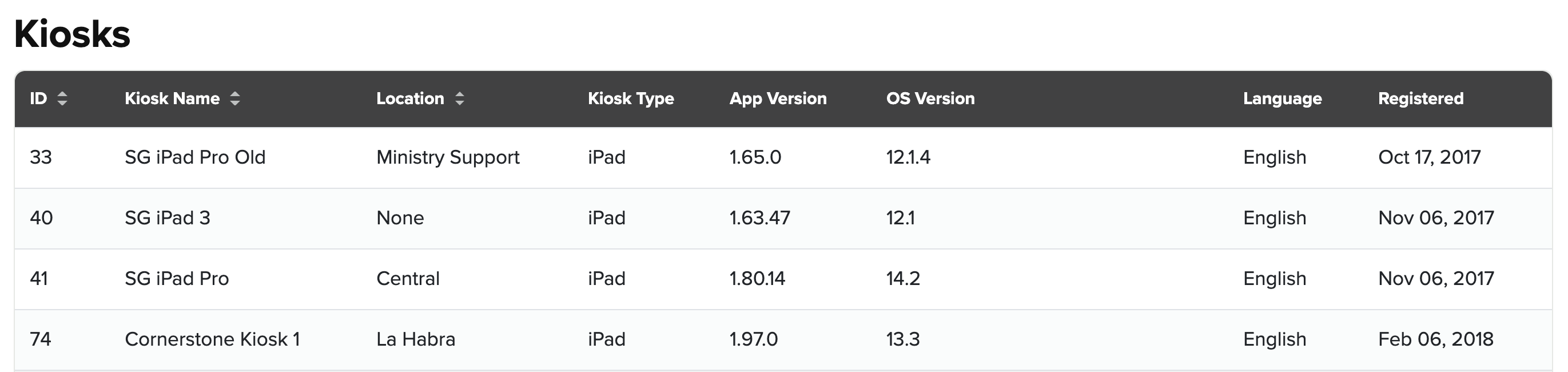
Go to Settings > Kiosks. There you will see a list of your registered kiosks.
-
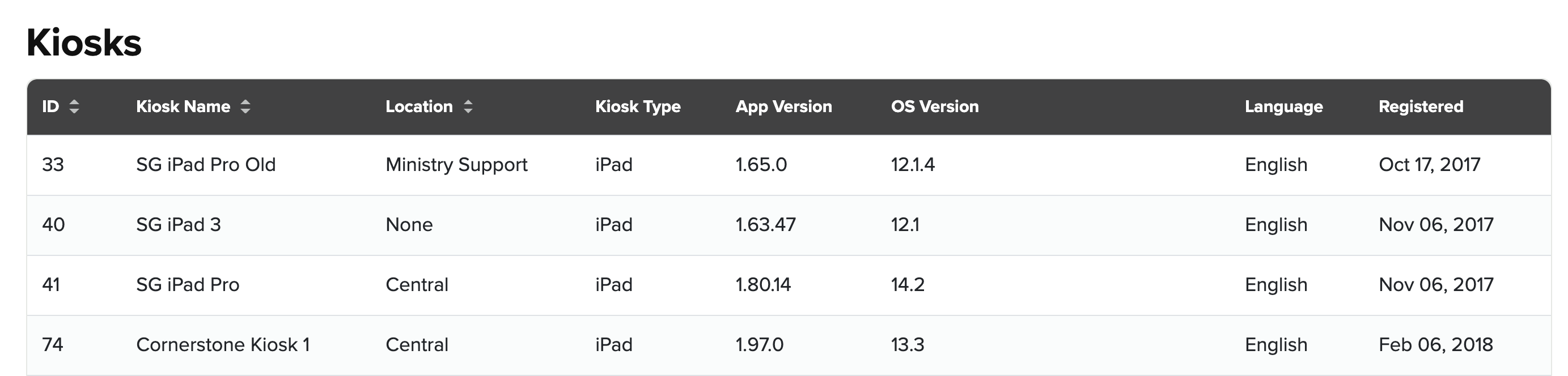
Then click on the kiosk detail that you need to edit.
-
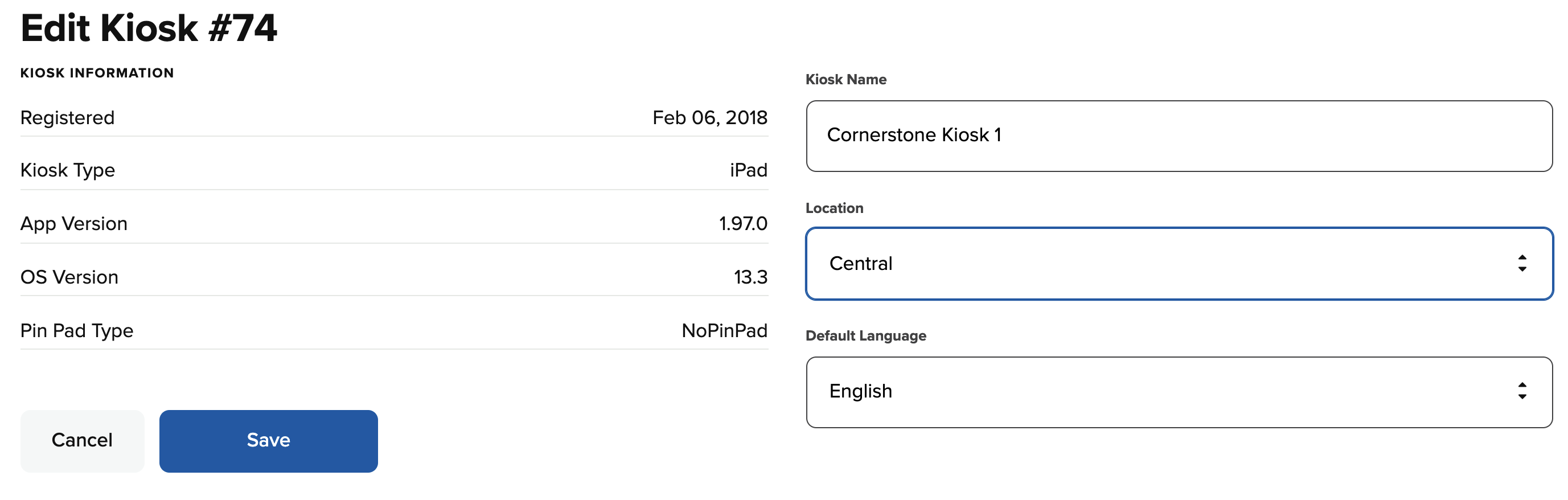
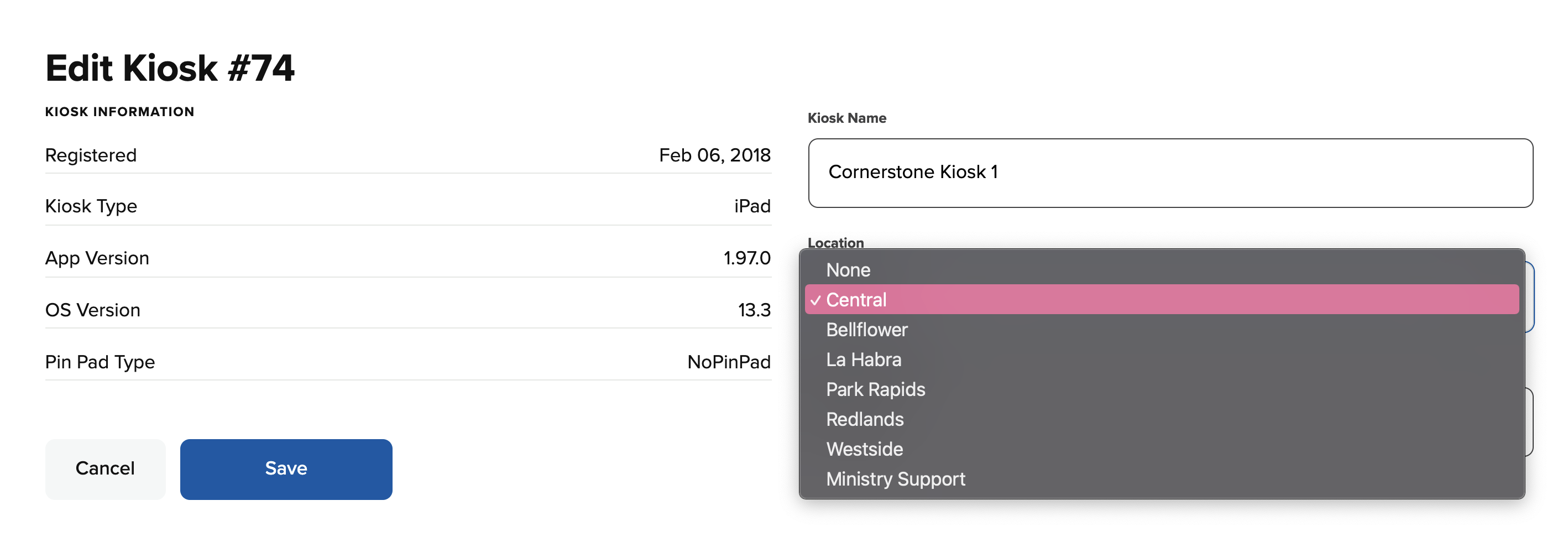
Then click on the Location dropdown and choose the location you want the kiosk assigned to.
-
Click Save to save the changes.
Now, on the main Kiosks page, the kiosk detail will show which location it is assigned to.