
- Visit your organization's giving URL. (You can usually find that by visiting your organization's website and following the giving prompts.)
- Choose a location if there are more than one.
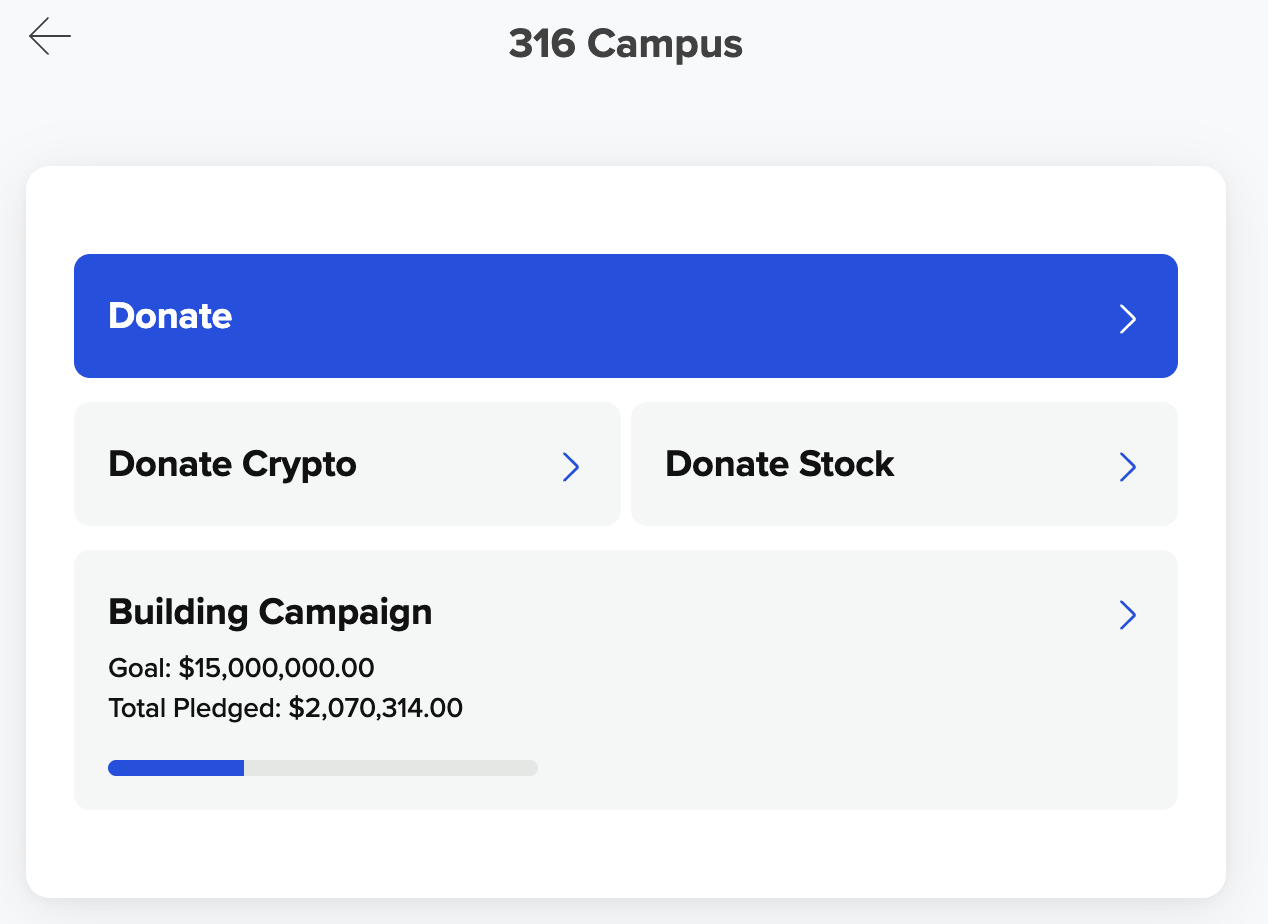
- Click the name of the campaign.
- Then you'll see the details of the campaign. Click the Pledge button to create your pledge.
(Alternatively, clicking the Donate button lets you give toward your pledge or toward the campaign without creating a pledge.)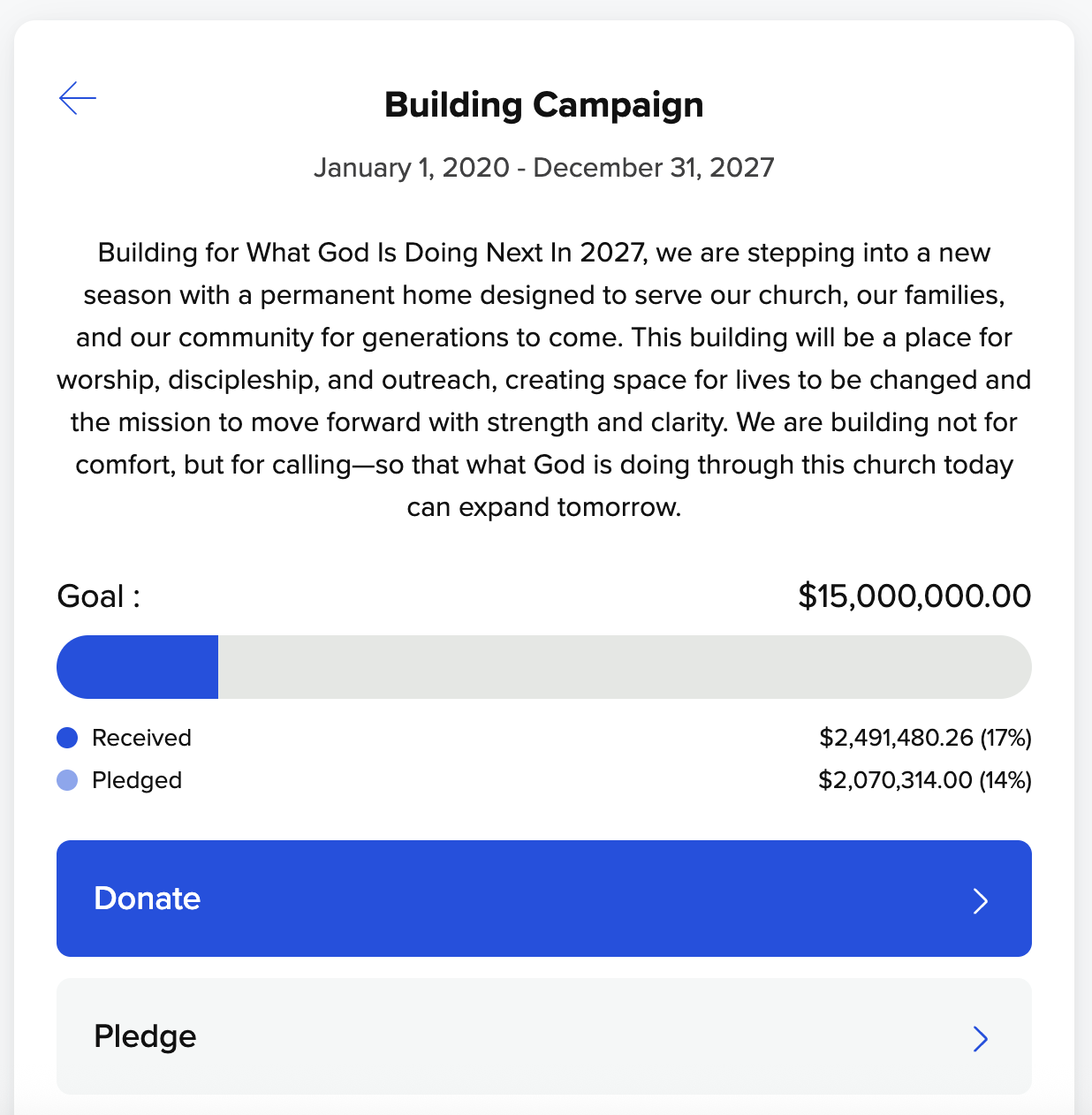
- Sign in to your profile. If you don't have an account, you may be prompted to create one.
- To create your pledge, fill in the following fields:
- Location: Choose the appropriate location.
- Start and End Date: Enter the date range for your pledge.
- Amount: Enter a dollar amount.
- Frequency: Choose how often the pledge will be given (e.g., weekly, monthly).
When finished, click the Set Up Pledge button to submit your pledge.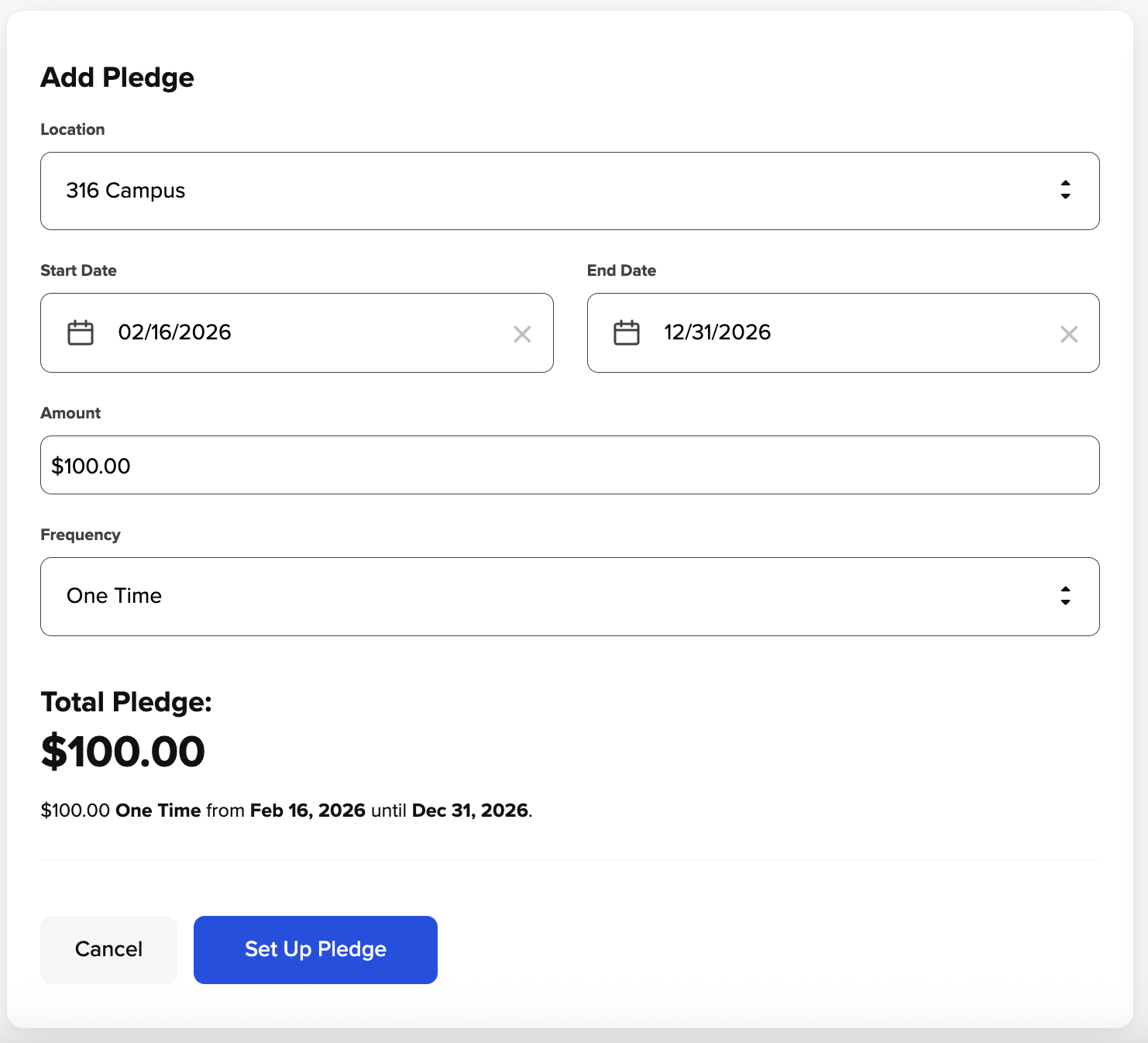
Need to make changes to an existing pledge? See the article below for instructions.