- Visit your organization's giving page
-
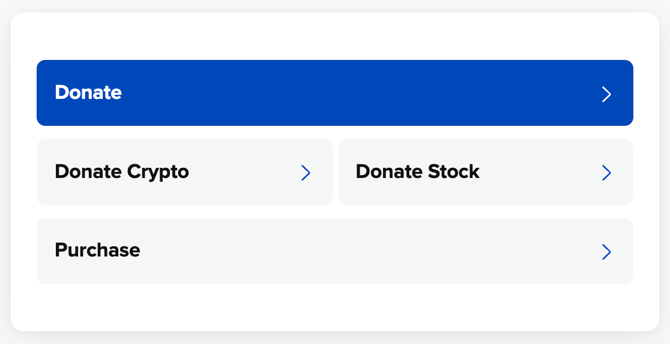
Click the Donate Stock Button
-
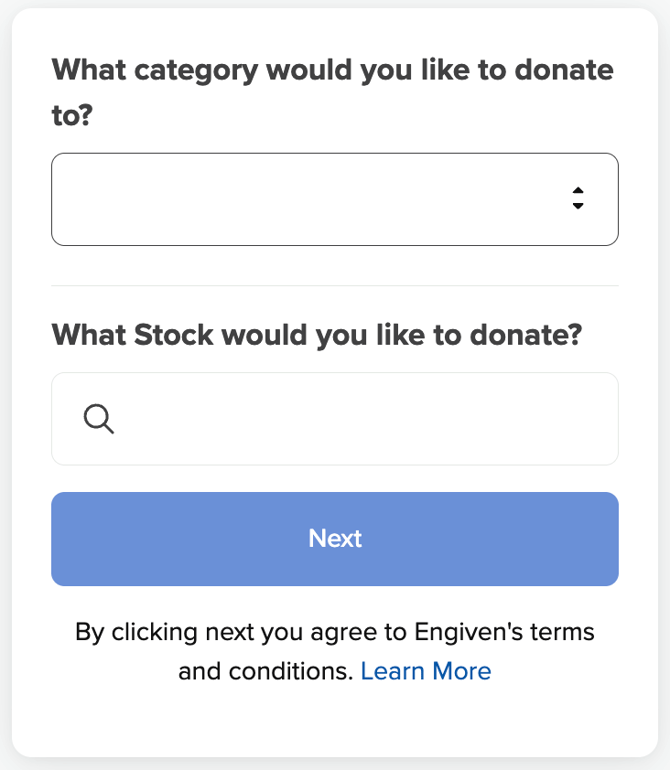
Choose the donation category you would like to give to (only one category can be selected), and type in the company name to choose the stock type.
-
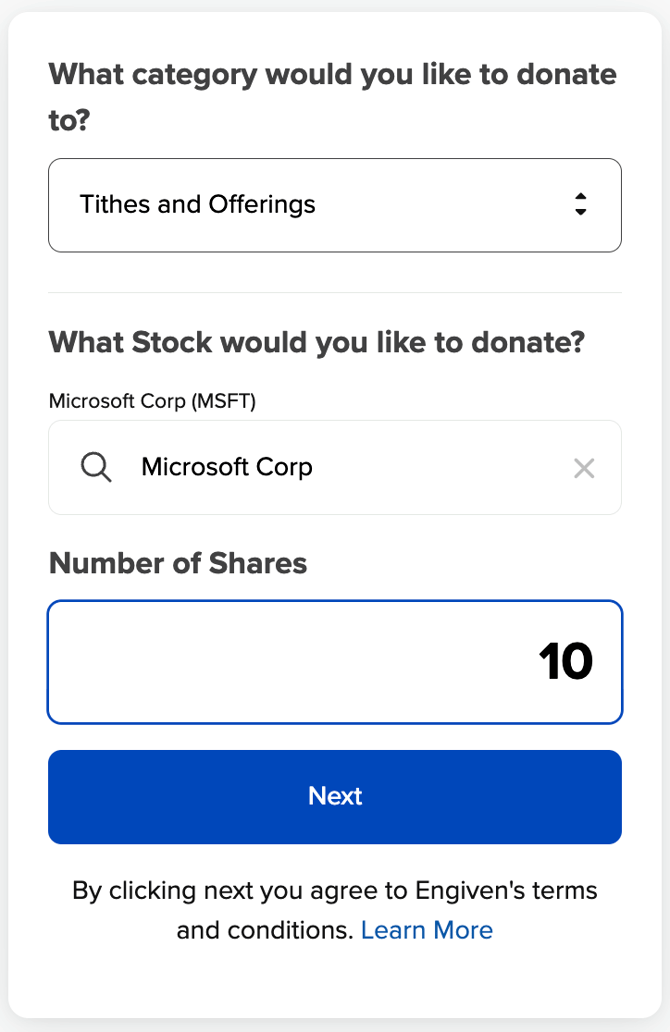
Enter the number of shares you would like to give and then select Next.
- Sign in, Sign up, or give as a guest
-
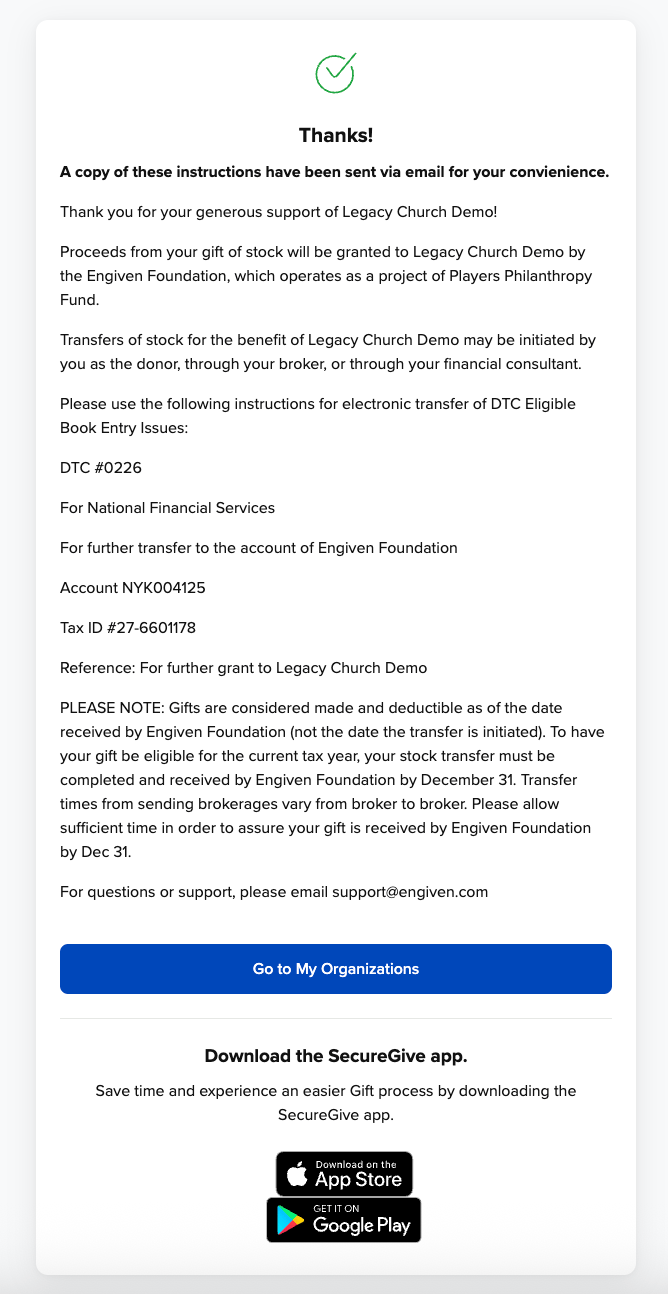
Follow the instructions on the screen to complete the donation through your broker or financial consultant. You will also be emailed a copy of these instructions.