The best way to identify new givers is by using the Members page in SecureGive.
- Go to Users > Members.
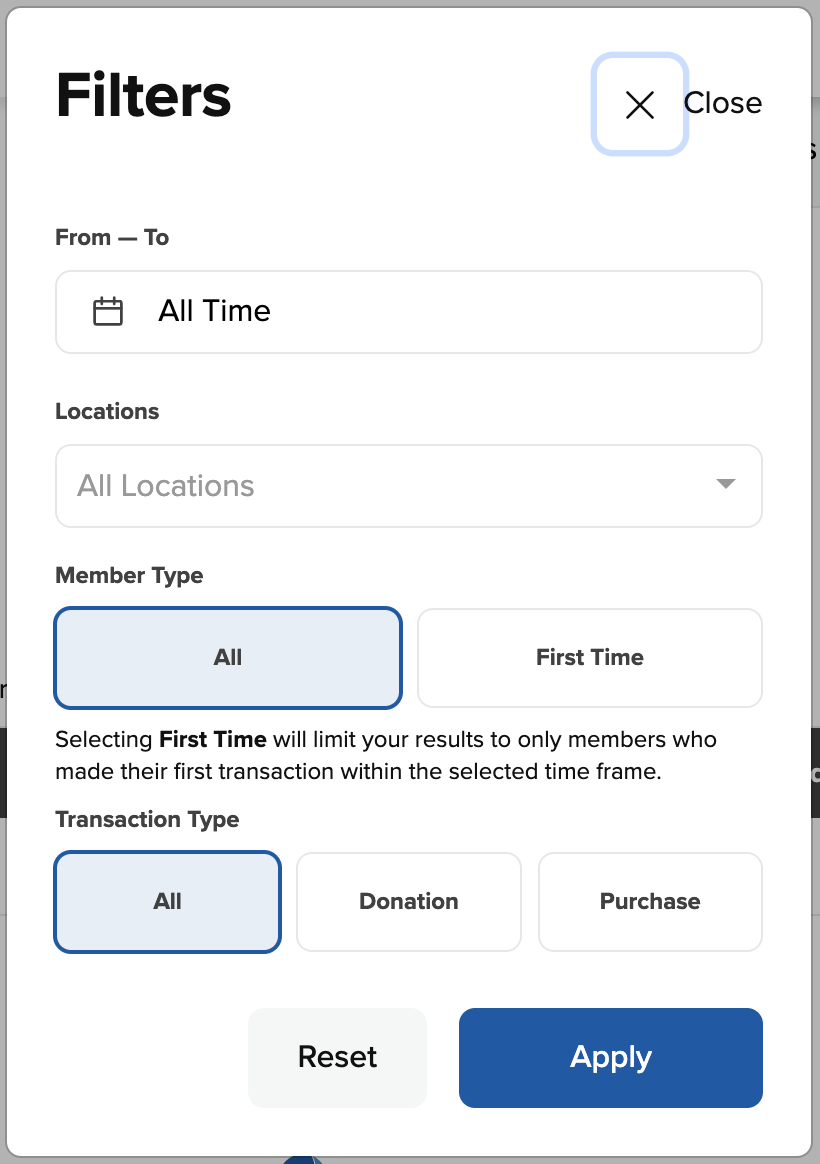
- Click the Filters button.
- Set the date range for when you would like to see who gave for the first time.
- Under Member Type, you'll see an option to select First Time. Selecting First Time will limit your results to only members who made their first transaction within the selected time frame.
- Then click Apply.