The best way to view total donor giving amounts is by using the Members page in SecureGive.
- Go to Users > Members.
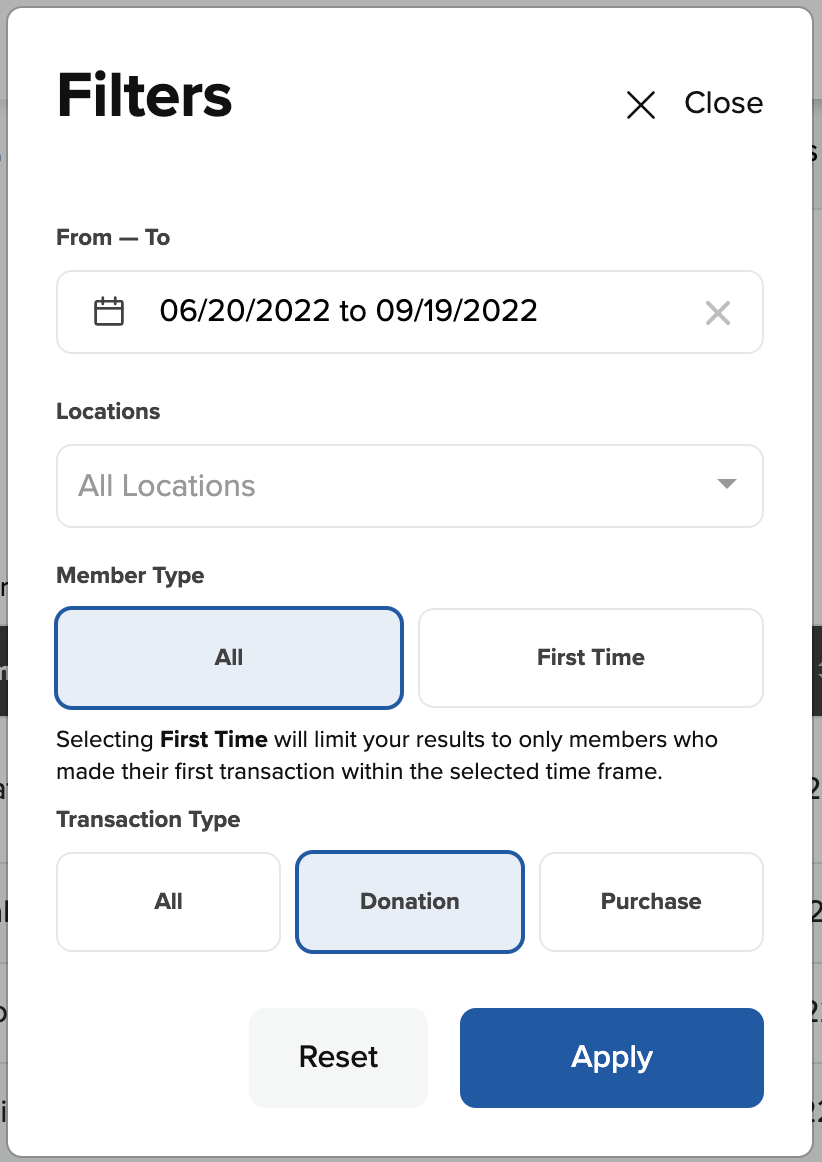
- Click the Filters button.
- Click the date selector and set the date range for when you would like to see donor giving totals.
- Under Transaction Type, select Donation.
- Then click Apply to close the Filters window and apply the filter settings.
- On the Members page, you can click on any of the headers to sort the members list.
- Click the Download CSV button if you would like to download a CSV file of this list that can be imported into a program like Microsoft Excel or Apple Numbers.