
If most or all of your donors speak Spanish as their main language, then you can change the default language on the kiosk from English to Spanish.
- Go to Settings > Kiosk.
- Click on the kiosk detail that you want to edit.
- Click on the Default Language dropdown, and choose Spanish.
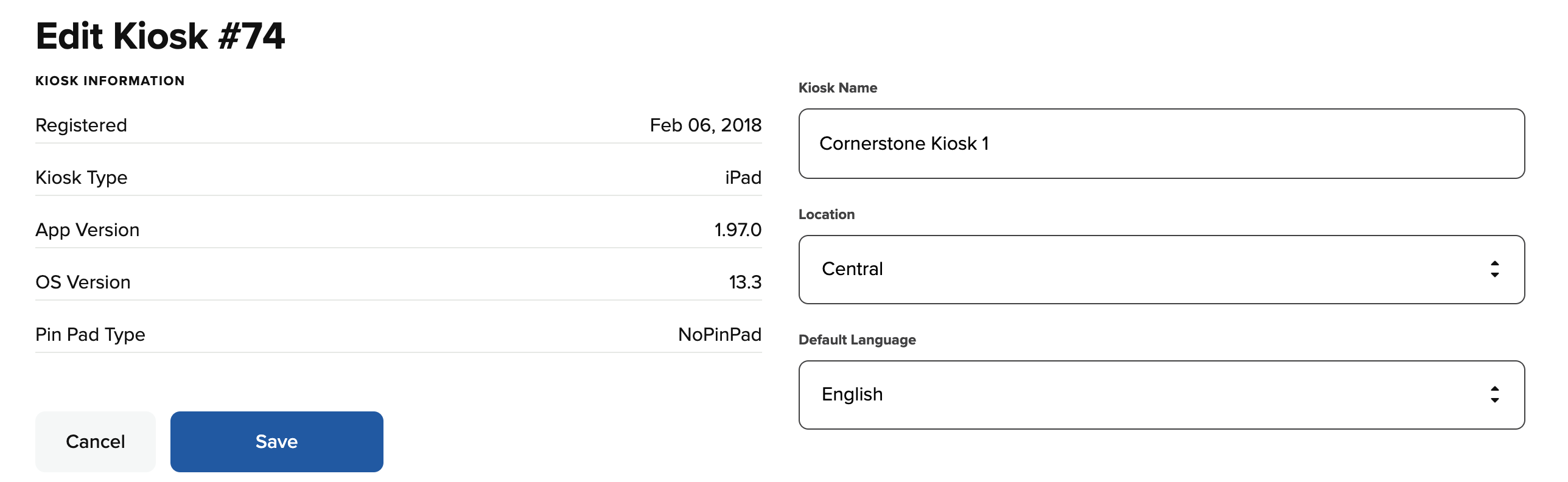
- Click Save to save the changes. Now the kiosk detail will show Spanish as the default language.