
If you want to change the registration name for your kiosk, then follow the steps below.
- Go to Settings > Kiosks
- Click on the kiosk detail that you want to edit.
- Type in the new name for the kiosk in the Kiosk Name field.
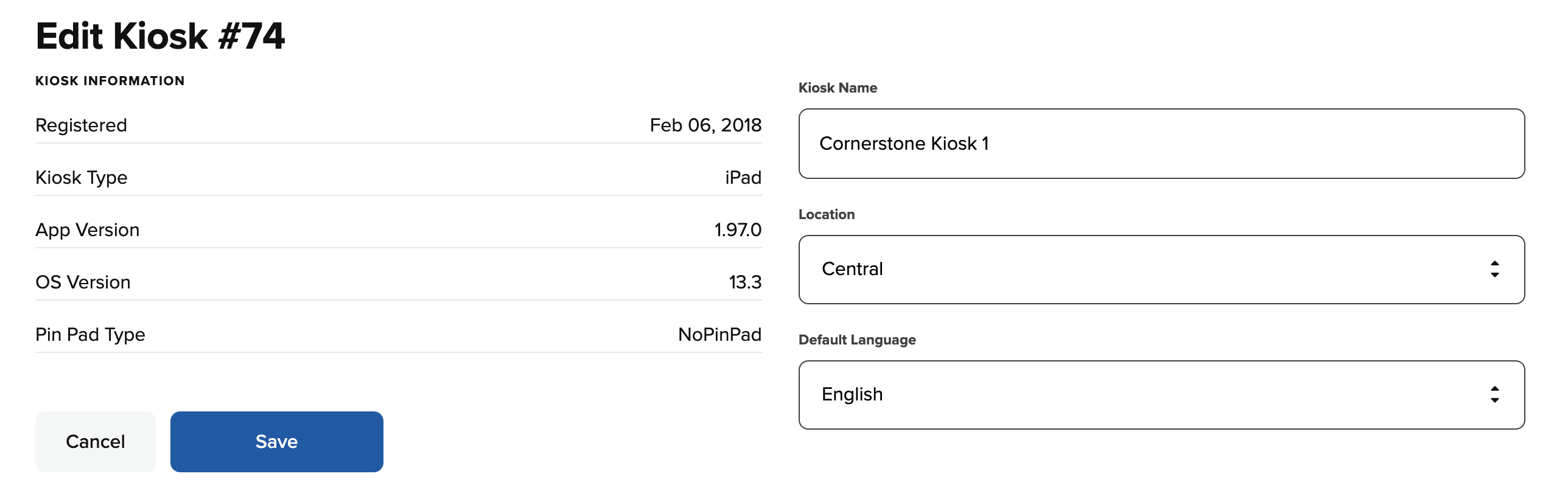
- Click Save to save the changes. Now the new name of the kiosk will display on the Kiosks page. You will also see a message letting you know that the changes you made to the kiosk profile were updated successfully.