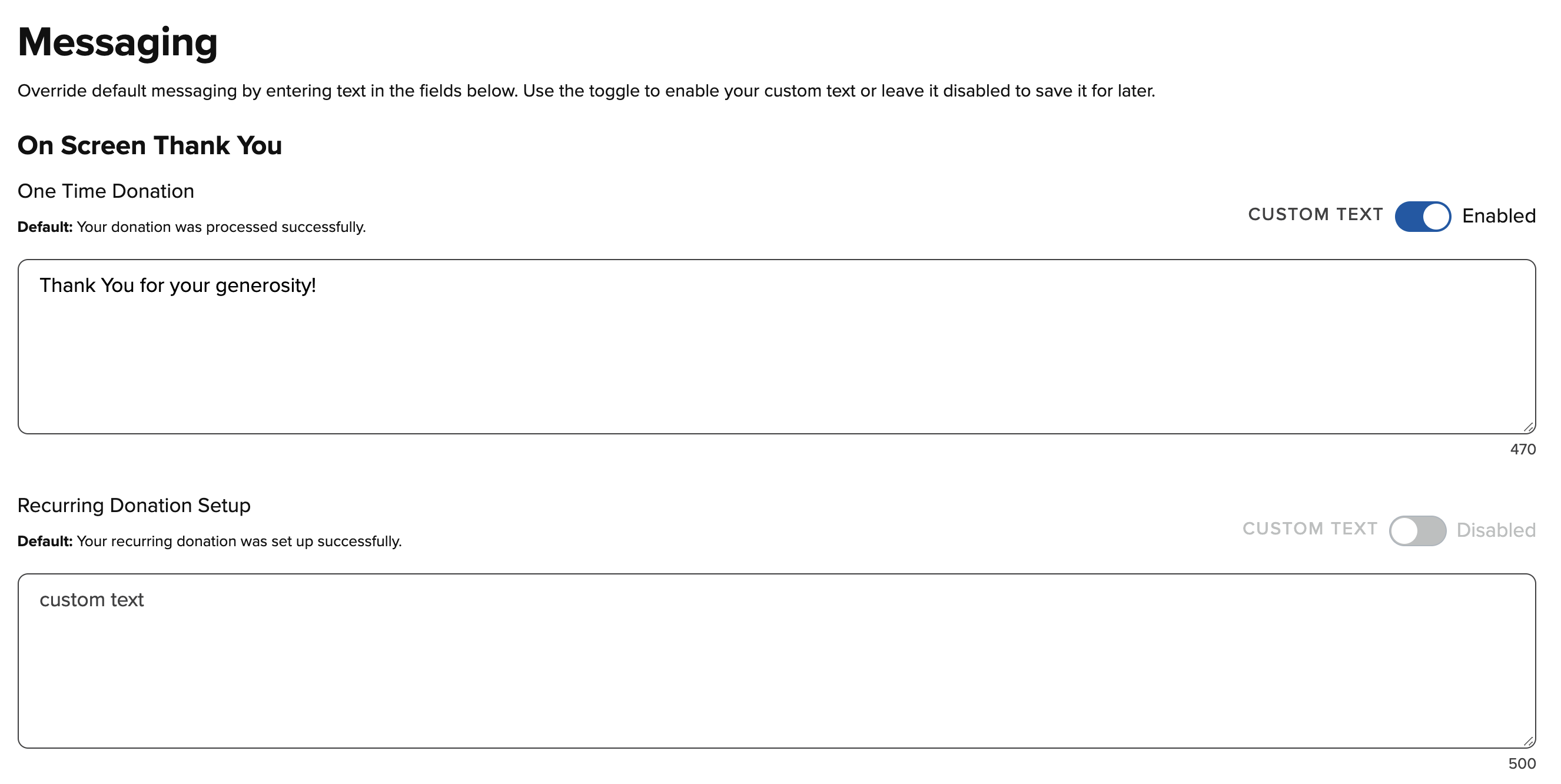
You can set up custom On-Screen Messages, Email Receipts, and Printed Receipts on the Messaging page under Settings. You will use the boxes to type in your custom message and then activate them using the Enable toggle. Remember to select "Save" at the bottom of the page in order to save any changes you have made.
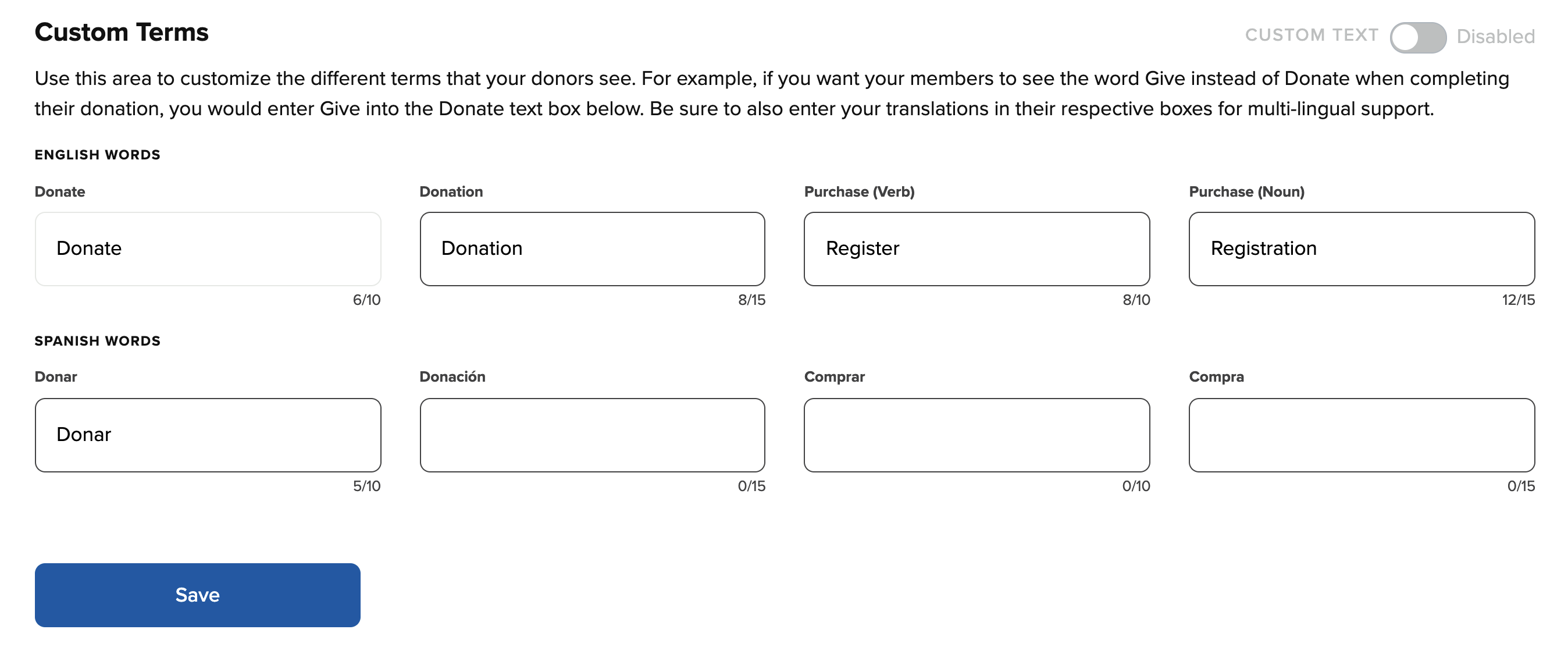
Also, at the Custom Terms section, you have the ability to customize text for the Donate and Purchase buttons on your online, kiosk, and mobile giving pages. Once you have created your customized text, you can activate them by using the Enable toggle. Remember to select “Save” at the bottom of the page in order to save any changes you have made.